
Have you ever noticed the edges of your logo look rough? You might be thinking there is a problem with the design. But the problem isn’t the design. You are using the wrong format. A vector logo gets converted to a raster if you save it as a JPG or PNG.
A logo’s file format affects how you can resize, edit, share, and prepare it for different applications. PNG and JPG files are useful for everyday images. Vector formats offer a different way to use images.
In this article, you will learn what is vector format for logo. It will help you get Logo Vectorization in a suitable format.
What Is Vector Format for Logo?
A vector logo is an image file created by using paths, points, curves, and shapes. These elements describe the structure of the design.
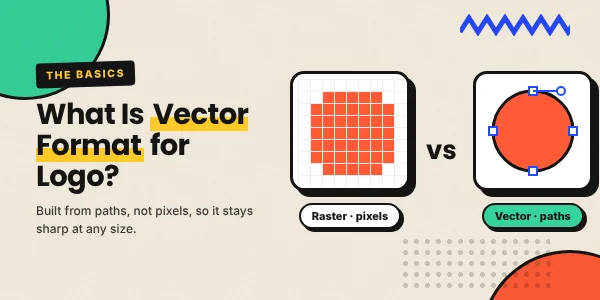
It allows vector-based software to redraw the logo at different sizes. If you make a logo from a circle, the elements will be represented as defined shapes.
Vector-based applications like Adobe Illustrator store the image as shapes. That’s why vector artwork is useful for branding. Many UK people need different versions of logos for different business needs. Properly created vector logos suit all commercial use of a logo.
However, saving a logo with a vector file extension does not make the logo vector-based. The file must contain actual vector elements. At this point, the question is how a vectorized logo work? Let’s find out.
How Does a Vector Logo Work?
The easiest way to understand vector graphics is to look at how a shape is created. A raster image stores the visible elements as a collection of pixels.
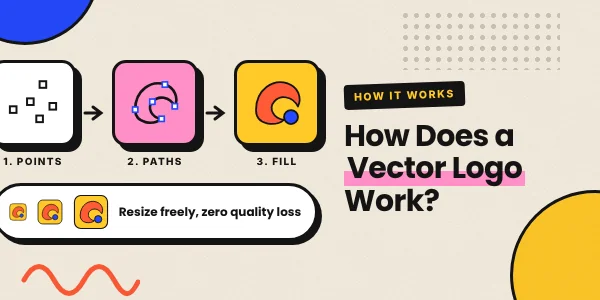
A vector file creates its outline using points and curves. When you resize the vector image, the software redraws those curves and shapes at the new dimensions.
It doesn’t stretch the original grid of pixels. This approach offers many practical advantages. The same image can be displayed at different sizes without pixelation.
Individual paths could be selected in Adobe Illustrator software. Properly created vector paths can preserve clarity. Colours can be changed without recreating the entire design.
Which File Formats Are Used for Vector Logos?
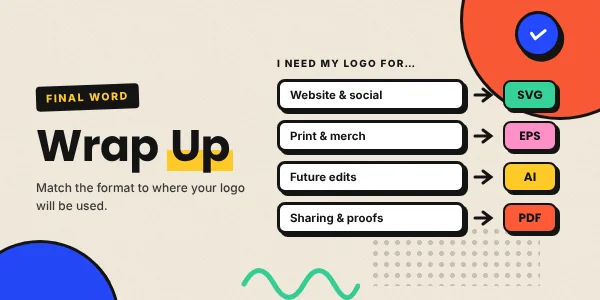
Different file formats are used for vector logos. Some formats are convenient for websites. Some formats are convenient for printing.
Some are associated with professional design. Among many vector formats, 4 formats are commonly used. Let’s learn about those formats.
SVG
SVG is a vector format used for logos, icons, and illustrations on websites. It showcases graphic elements using structured shapes. Vector-based applications such as Adobe Illustrator can modify the file.
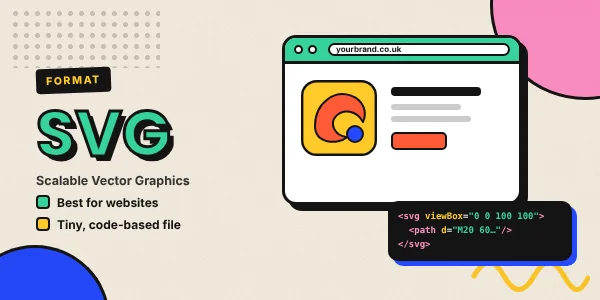
The main advantage is scalability. An SVG logo can adapt to different display sizes without quality loss.
You will see pixelation when enlarging a low-resolution PNG. SVG files are useful when a design needs to be placed on a website. Also, you can use this format for opening vector images in compatible graphics software. SVG file can contain an embedded raster image also.
EPS
EPS is a graphics format used in professional print-related projects. It stores vector paths and shapes. This format is useful for transferring different types of vector artwork between editing applications.
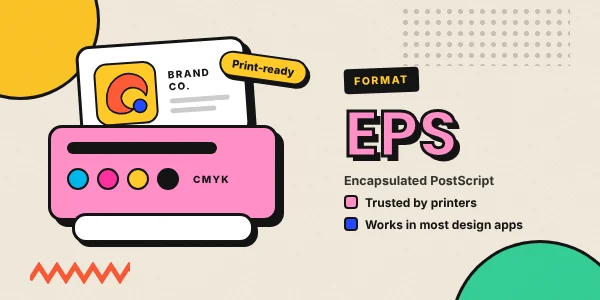
An EPS file is appropriate when the print provider requests it. However, software support varies based on the logo file.
Sometimes, this format does not preserve all features like a master AI vector file. Before supplying an EPS logo, you should check that it meets the requirements. It’s suitable for compatible professional graphic design and printing. Do you need your Logo in EPS? Upload it to our website now.
AI
What is vector format for logo? AI is the most used vector format for logos. AI file is created using Adobe Illustrator.
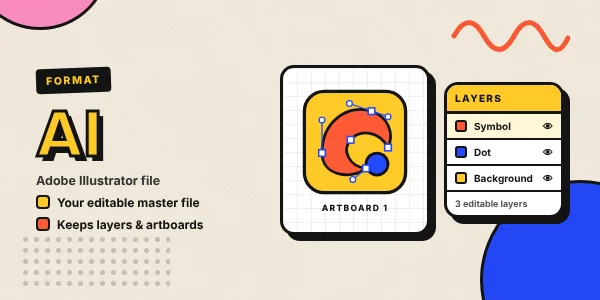
It is used to save working design files containing vector paths, shapes, text, and all other supported elements. For a designer, an AI file is the most useful for future adjustments.
Based on how the project is prepared, it retains editable objects along with other vector-based information. The main consideration is software compatibility.
Someone who doesn’t use Illustrator, he might ask for a different file format. It’s useful for editable logo projects. You can easily modify the logo from an AI format.
Most people use PDFs to share word documents. It can store vector logos also. It has the capability to create vector paths, fonts, and other graphic elements.
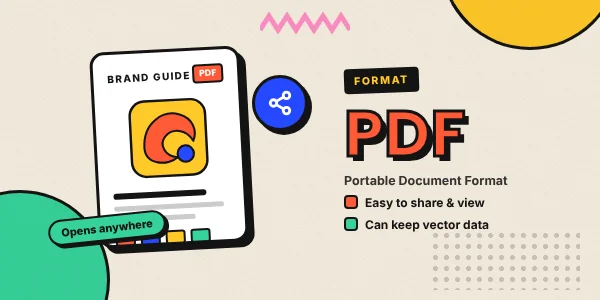
It depends on how the file was exported. PDF isn’t a vector-only format. A PDF can store vector images, raster images, and a combination of both.
A logo placed inside a PDF as a low-resolution image remains raster. So, we can’t tell whether the logo is raster or vector by looking at the PDF extension. We need to open the image and zoom in.
If the quality remains the same, it is a vector file. If a printer asks for a vector PDF, confirm that the logo has the required vector elements.
Wrap Up
A vector logo is needed for professional branding. As different types of vector formats are available, it’s important to know the different uses of different vector file formats. Our vector designer team is ready to assist you with any required logo format.
Do you need to convert your logo to a specific vector format? Get started now from the Submit for Editing page. You just need to upload the logo image and tell us about your requirements. We will deliver a complete logo file.
FAQ’s
Is a .png a vector file?
PNG isn’t a vector file format. It’s a raster-based format. PNG supports transparency. That’s why many people misjudge PNG as a vector file.
Should logos be PNG or SVG?
If you need to present the logo on a large screen, SVG will be the better option. Also, SVG is a better option for uploading on websites.
Which is better between SVG and EPS?
SVG and EPS are both vector formats. SVG is better for web use. EPS is better for high-quality printing. You have to choose the format based on the needs.